
Creating niche video content with the help of AI is a pretty exciting way to reach targeted audiences and stand out in the sea of generic videos online. It’s gotten a lot easier lately thanks to new AI tools, even for people with zero video editing experience. My own jump into this world started out of curiosity, and I quickly found out just how powerful these approachable AI powered video tools can be. I’m laying out my favorite tips and practical steps to help you get rolling, whether you’re exploring an untouched niche or just want to make your workflow smoother.
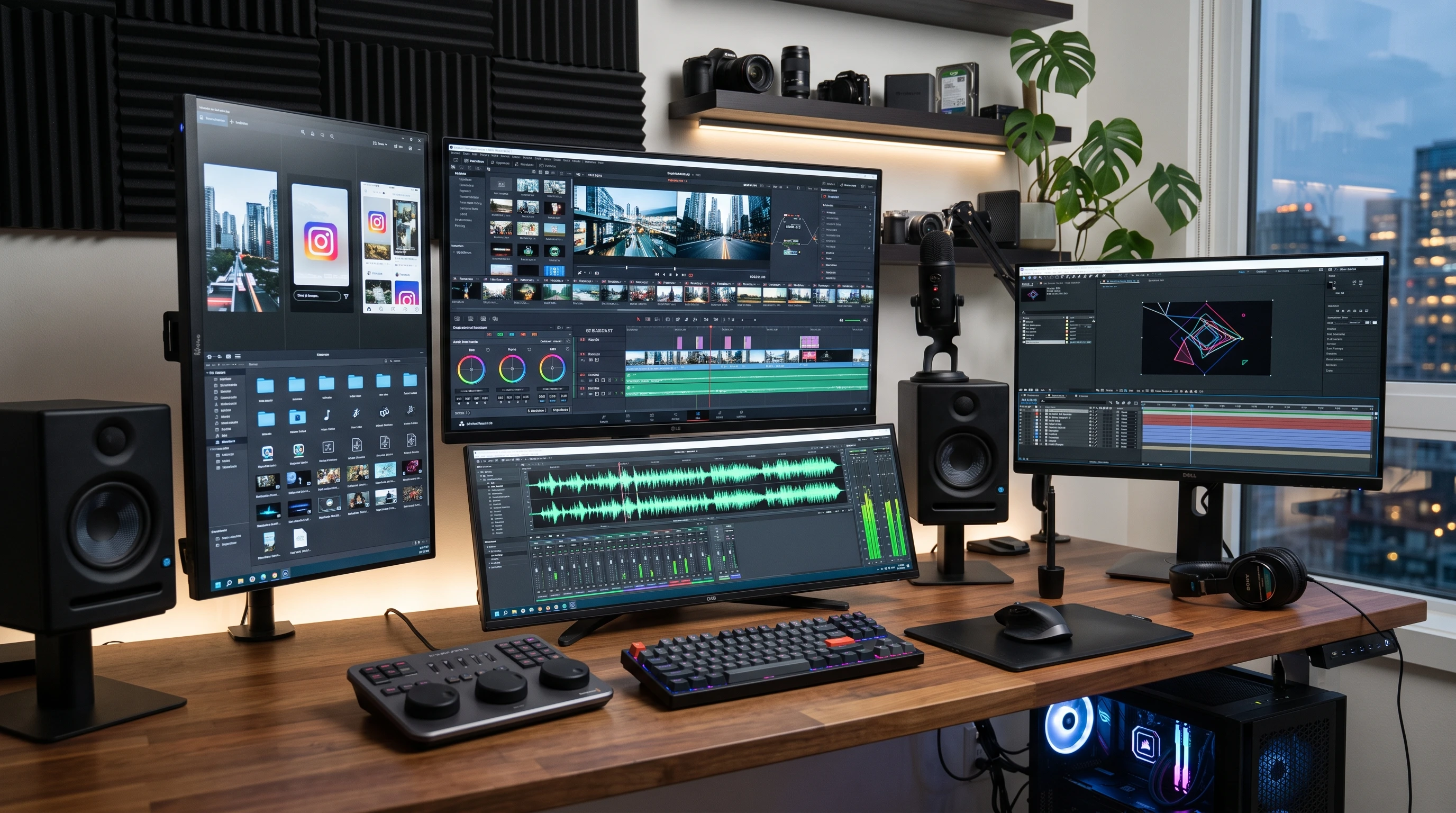
Why AI for Niche Video Content?
AI isn’t just some tech buzzword. It quietly powers all sorts of video magic, such as automated editing, speech to text, realistic voiceovers, and even tailoring content for super specific subcultures or communities. In my experience, this tech helps you work faster, tap into trends sooner, and personalize videos in ways that used to take forever. Niche video content is all about serving tightly focused interests, from birdwatching tutorials to retro gaming guides. AI takes a lot of the heavy lifting off your shoulders, giving you more time to think creatively, and less time fussing over tedious edits.
AI’s influence has exploded recently in platforms like YouTube and TikTok. Tools powered by machine learning can analyze popular tags, predict watch trends, and even auto generate scripts and visuals. Plenty of creators now use these features to get noticed in corners of the internet they love, sometimes even monetizing their passion projects.
Getting Started with AI Driven Niche Videos
Starting your adventure with AI for niche video content doesn’t have to be intimidating. Here’s how I like to break it down for anyone getting started:
- Pick Your Niche Early: Choose a subject you genuinely care about and research demand using YouTube, TikTok, Reddit, or specialized forums. AI tools like KeywordTool or TubeBuddy make it easy to spot gaps and trending microtopics.
- Set a Realistic Strategy: Decide how often you’ll post and what types of videos fit the niche. A sustainable plan beats burning out after three uploads. Map out your first month of content and stick to tools that keep all stages of video creation in one place (CapCut, Descript, and Pictory are a few options worth checking out).
- Organize Your Tools: Learn the basics of your chosen AI platform. Many tools now have tutorials built in so you can hit the ground running, even if you’re new to editing or scripting.
AI Tools for Niche Video Creators
There is plenty of software tailored for specific video formats. I’ve tested a bunch, and here are a few types that make a noticeable difference:
- Scripting Assistants: Products like Jasper and ChatGPT can auto generate video scripts based on just a topic and tone you provide. This really speeds up the brainstorming process.
- Automated Video Editors: Tools like Descript, Pictory, or VEED.io offer drag and drop timelines plus voiceovers and auto captioning. Allinone interfaces cut down on frustration and save a ton of time.
- AI Voiceovers and Audio: Murf and ElevenLabs make realistic, humanlike narration in multiple languages and accents. No need to hire voice actors or record your own if you’re shy. I’ve definitely had days where this was a lifesaver.
- Stock Video/Image Generators: RunwayML and Canva’s AI features can generate unique visuals relevant to your subculture or niche, perfect for fresh thumbnails, intros, or explainer scenes.
Step by Step: How to Produce Niche Video Content Using AI
- Pinpoint Your Topic: Use AI keyword finders to research what’s hot within your niche. Look for questions people are searching for that haven’t been answered much.
- Brainstorm with AI: Feed key terms and a short description into an AI scriptwriting tool. Edit the suggested scripts to fit your voice and specific community jargon or humor.
- Generate or Source Visuals: Use AI image creators or browse AI powered stock video sites for clips and images related to your subject. This avoids the need to film everything yourself.
- Edit with AI Aided Platforms: Drop your footage, stock images, and script into automated editors. Let the tool handle tedious stuff like captioning, background music matching, and cuts. Polish for a human touch.
- Add Voiceover or Subtitles: Use an AI voiceover generator if you want narration, or take advantage of automated subtitling for accessibility. This helps reach a wider audience, especially in global or technical niches.
- Optimize for Different Platforms: Use resizing tools (many are built in now) to create vertical, horizontal, and square versions. Schedule uploads across platforms such as YouTube Shorts, TikTok, Instagram Reels, and niche platforms like Rumble or Bilibili.
Challenges and Things to Consider
Even with AI, there are a few bumps you’re likely to run into. I’ve learned to watch out for these common issues:
- AI Content Sameness: Machine generated scripts sometimes sound generic. Always review and tweak scripts for personality and relevancy to your niche.
- Tool Compatibility: Not every AI tool plays nicely with your video editor of choice. Before you go all in, test drive a couple of options end to end with a trial project.
- Costs and Free Plans: AI tools usually have tiered pricing. Be honest about your budget. Free versions are great to start, but they may cap features or add watermarks.
- Community Guidelines: Stay on top of each platform’s content rules. Automated moderation can sometimes flag content unfairly, especially if the niche is misunderstood by mainstream systems.
Editing Hiccups and Quality Control
AI automation speeds up a lot, but technical glitches can crop up, like mismatched audio, poorly timed subtitles, or odd visual cuts. Watch your first few videos from start to finish before publishing and use manual edits to fine tune. Having a checklist helps catch common issues before your audience does.
Standing Out from the Crowd
With the rise of AI, some video categories get flooded with similar content. Mixing custom visuals, your unique voice, and references only your community gets goes a long way. Viewers appreciate even small touches that feel handcrafted or self aware, and this can help you build a loyal following. Adding a unique intro, using in jokes, or presenting real world examples are ways you can make your videos stand out.
Advanced Tips for Next Level Engagement
After you’re comfortable, these ideas can help push your channel to new heights:
- Personalize with Data: Some AI platforms analyze viewer comments and automatically suggest next video topics, or generate shoutouts for top fans. This keeps your content connected to your audience in real time and helps grow your subscriber base.
- Experiment with Trend Predictions: AI trendwatchers spot new meme formats, rising hashtags, or keyword spikes before the mainstream catches on. Use this insight to jump on new ideas early and secure your niche spot.
- Localize for Micro Audiences: Many tools auto translate subtitles and voiceovers into other languages, making your videos accessible to far flung fans. I know creators who’ve grown followings in unexpected places this way by reaching viewers across different cultures and backgrounds.
- Automate Repurposing: Batch edit or automatically reformat older videos with updated intros and outros to keep your catalog fresh and discoverable over time, giving your previous work new life.
Real World Use Cases and Inspiration
Niche channels thrive on personality and unique perspective. For example, I’ve seen:
- Home science experiment creators: They use AI to script, voiceover, and subtitle videos showing unusual chemistry tricks. This allows them to focus on creative project ideas instead of repetitive editing.
- Pet care microchannels: Automatic cuts and overlays help deliver care tips targeted at just one pet breed or even specific animal behaviors, appealing to a passionate sub community.
- Foreign language lesson series: AI generated transcripts, visuals, and auto translations keep lessons bite sized and interactive, making language learning accessible to broader audiences.
The key takeaway is that you don’t need a huge team or fancy cameras to tell stories perfect for a small, passionate group. Adding a personal touch, creativity, and using AI features together can help your content get noticed and valued.
Frequently Asked Questions
How can I make sure my niche content isn’t flagged as AI spam?
Answer: Always edit and add a personal touch to AI generated scripts or visuals. Platform moderators are getting better at spotting pure copy paste uploads, so mixing AI speed with authentic ideas is the way to go.
Will AI video tools work on mobile devices?
Answer: Many AI platforms now have mobile apps or responsive browser versions. CapCut and Descript run pretty smoothly on most new smartphones. Just doublecheck specs before settling in for a big project.
Is it worth investing in paid AI tools from the start?
Answer: If you’re brand new, try free trials to see what feels easiest. When you start running into limits such as watermarks or export caps, look for an affordable plan that pays off with faster workflows and more editing options.
Key Takeaways for Using AI in Niche Video Creation
AI can save a lot of time and open up new creative doors, even for those just entering video content creation. The real value comes from balancing efficient automation with your own insight and originality. From choosing a laser focused niche to fine tuning scripts and adding practical touches, AI tech has made niche video content one of the most rewarding ways to connect with likeminded communities.
The world of niche video content moves fast. Experimenting, staying adaptable, and keeping an eye on AI updates will help you stay motivated and stumble upon new possibilities along your creative adventure.